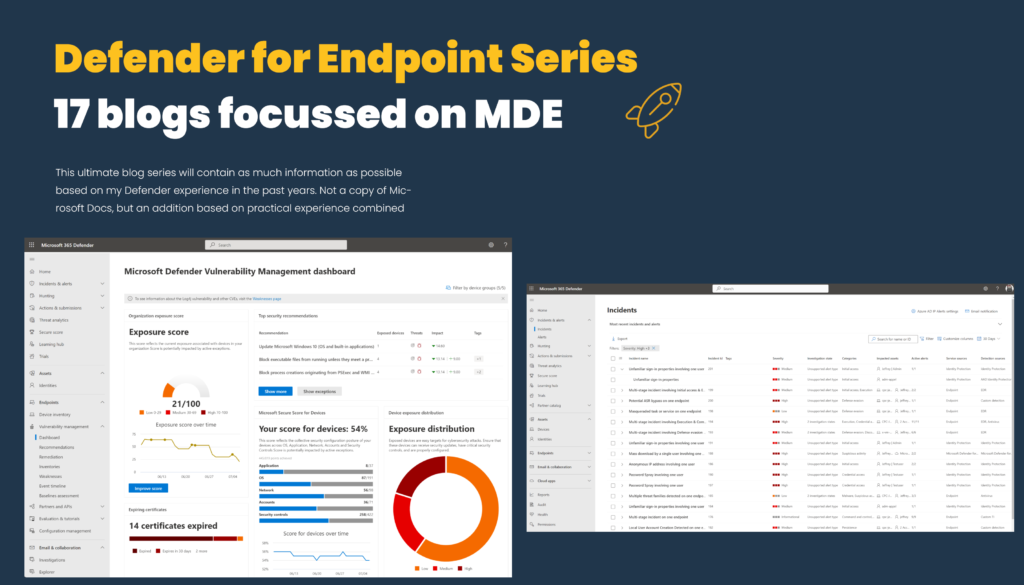
Block “vulnerable/unwanted” applications with Defender for Endpoint and Vulnerability Management
In all environments, reducing the vulnerability surface and getting insights into the vulnerable applications are recommended and important. Microsoft Defender for Endpoint P2 contains the vulnerability management solution for getting visibility based on the installed MDE sensor. Microsoft Defender Vulnerability…
Microsoft Defender SmartScreen – how to use SmartScreen and Phishing protection
Microsoft Defender SmartScreen is available in various Microsoft products and adds an extra/first layer/filter of protection. The core component of Microsoft Defender SmartScreen is protecting against phishing or malware websites/ applications. For Windows 11 more features are available including SmartScreen…
Deploy Microsoft Defender for Endpoint on iOS using Intune/MEM
Microsoft Defender for Endpoint is available for multiple platforms including Windows, macOS, and Linux. For mobile platforms Defender for Endpoint is available for iOS and Android. Multiple methods are available for deploying Defender for Endpoint on iOS devices. This blog…
Microsoft Defender for Endpoint series – Tips and tricks/ common mistakes – Part10
It is time for part 10 of the Microsoft Defender for Endpoint (MDE) series. The final part of the series. Part 10 is focussed on tips and tricks around Defender for Endpoint and some important items scoped on common mistakes…
Microsoft Defender for Endpoint series – Automation via Logic Apps and Sentinel – Part9
It is time for part 9 of the Microsoft Defender for Endpoint (MDE) series. Part 9 is focused on the automation part of Defender for Endpoint with the use of Logic Apps/ Microsoft Sentinel automation. In the previous part, a…
Deploy Sysmon and collect additional data with Sentinel and the AMA agent
System Monitor (Sysmon) is one of the most common add-ons for Windows logging. With Sysmon, you can detect malicious activity by tracking code behavior and network traffic. Sysmon is part of the Sysinternals package and is owned by Microsoft. Sysmon…
Microsoft Defender for Endpoint series – Advanced hunting and custom detections – Part8
It is time for part 8 of the Microsoft Defender for Endpoint (MDE) series. Part 8 is focused on the hunting experience in Microsoft 365 Defender. The advanced hunting feature and custom detection feature are part of the security.microsoft.com portal….
Microsoft Defender for Endpoint series – integrations with other products – Part7
It is time for part 7 of the Microsoft Defender for Endpoint (MDE) series. All previous parts were focused on Defender for Endpoint and additional configurations. Now it is time for the integration part with other products and services. Microsoft…
Microsoft Defender for Endpoint series – Validate Defender protection and additional troubleshooting – Part6
It is time for part 6 of the Microsoft Defender for Endpoint (MDE) series. All previous parts were focused on onboarding and configuration and Microsoft Defender Vulnerability Management. Now it is time for the initial testing of the Defender for…
Microsoft Defender for Endpoint series – Defender Vulnerability Management – Part5
It is time for part 5 of the Microsoft Defender for Endpoint (MDE) series. All previous parts were focused on the Defender for Endpoint onboarding and configuration. Now it is time for the initial usage of the Defender for Endpoint…